These instructions only apply to software versions that are using the new CimLM Licensing System.
Updating to the latest version of the License Server Monitor (LSM) is highly recommended as every new version has improvements and bug fixes. To update the LSM, the current version must be uninstalled before installing the latest version. The steps to do this are given below:
1) Follow steps 1-4 of this article, Checking Current Software Version.
Note: For step 4, search for 'License Server' in the search bar.
2) Select the License Server entry and click Uninstall.

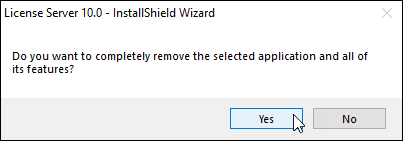
3) Click Yes when prompted to completely remove the application.
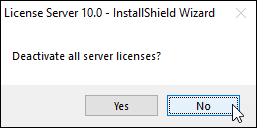
4) Click No when prompted to deactivate active licenses.
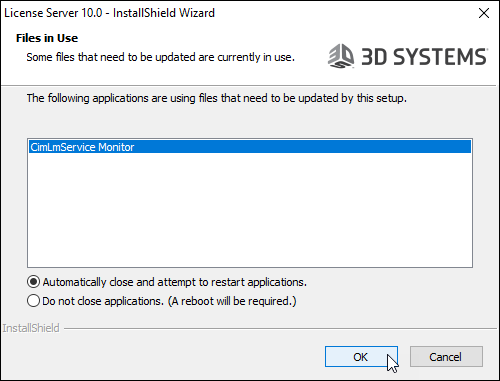
5) If the below prompt appears, click OK. This window will not appear if the service on the LSM was stopped.
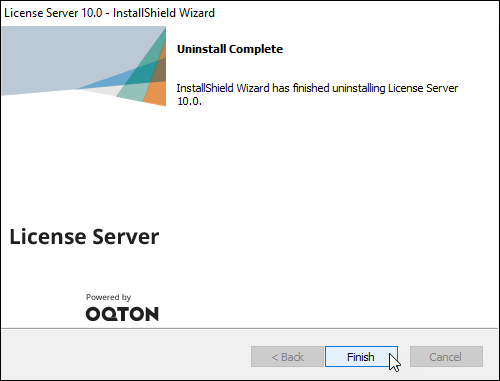
6) Click Finish.
7) Install the latest version of the LSM by following these steps, Install License Server Monitor [CimLM].