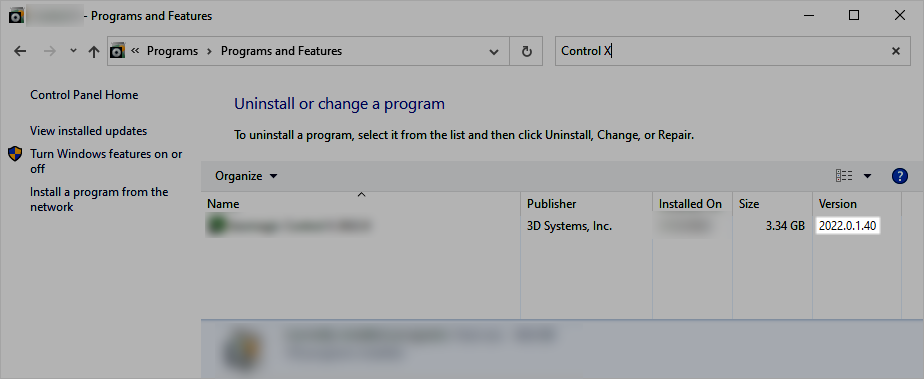
It is important for support to know which software versions are installed on a problematic PC. The version number indicates whether there are newer versions available, or if a problematic version is installed. There are multiple ways of determining a software's version number (depending on the product), but the method that is always available is shown below:
1) Press Win + R to open the Run command dialog box.
2) Type appwiz.cpl.
3) Press the Enter key to open the Programs and Features window.
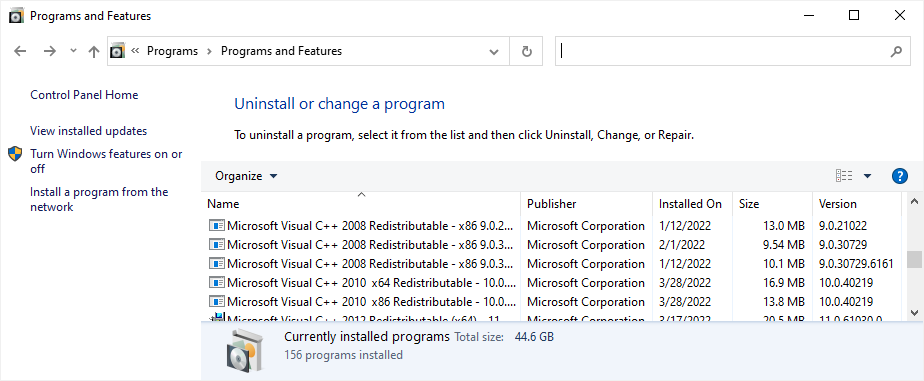
4) Search for the software in question with the search bar.
5) See the full version number in the Version column.