These instructions only apply to software versions that are using the new CimLM Licensing System.
These steps show how to install the License Server Monitor (LSM):
1) Download the latest version of the LSM from step 1 of this article, Network-Computer-Locked License Activation.
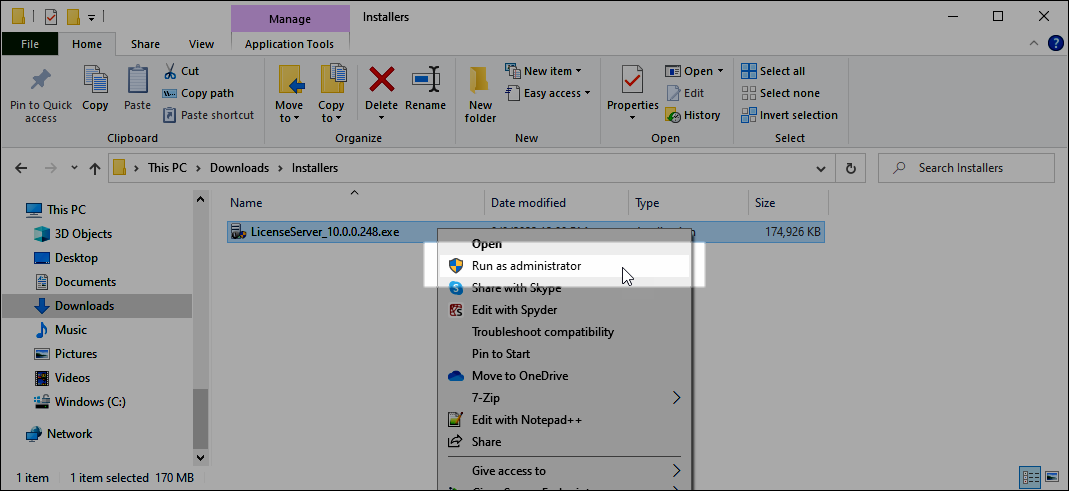
2) Right-click on this installer executable file and click Run as Administrator.
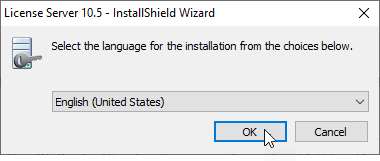
3) Select the desired language and click OK.
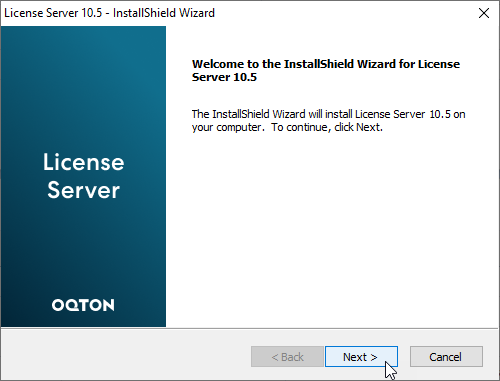
4) Click Next.
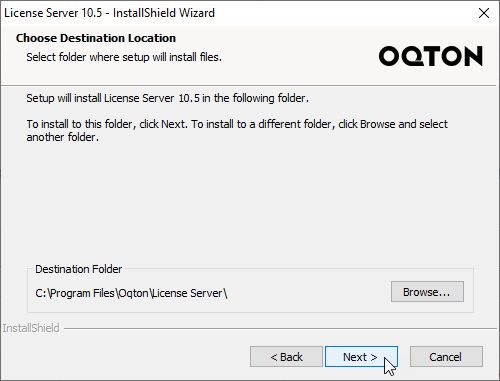
5) Change the installation directory if desired and click Next.
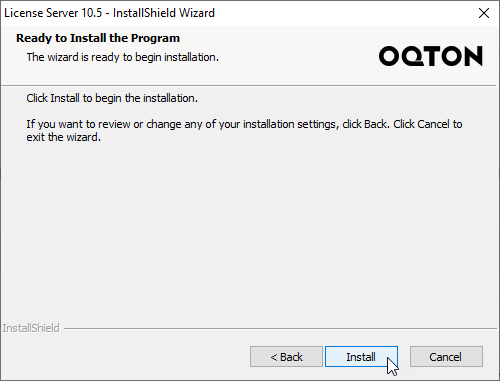
6) Click Install.
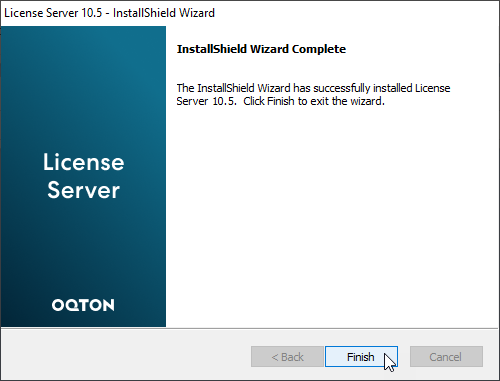
7) Click Finish.
The LSM is now installed on the PC. Please see the related articles below: