This article will go over how to silently install and uninstall the software in question. To do either, Command Prompt will need to be run as administrator.
See also: Silent License Activation/Deactivation [CimLM]
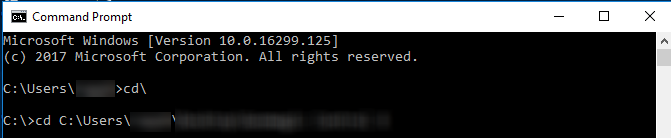
1) Type cmd into the Windows search bar and right-click to open the Command Prompt as administrator.
2) Type cd\ and press enter, then cd [File path to the installer setup.exe], and press enter again.
Silent Installation
Enter the command to initiate the silent install:
For 3D Sprint:
Enter the command to initiate the silent install:
start /wait "" <installer.exe> /exelang 1033 /exenoui /qn APPDIR="C:\Users\name\Desktop\My Sprint Files"
The language code can be changed as well as the APPDIR. All the language codes can be found in the "LCID Decimal" column here, Windows Locale Codes.
Silent Uninstallation
Performing a silent uninstallation is similar to performing a silent installation; it requires an answer file, which is recorded during an uninstallation process. First, follow steps 1 and 2 from above.