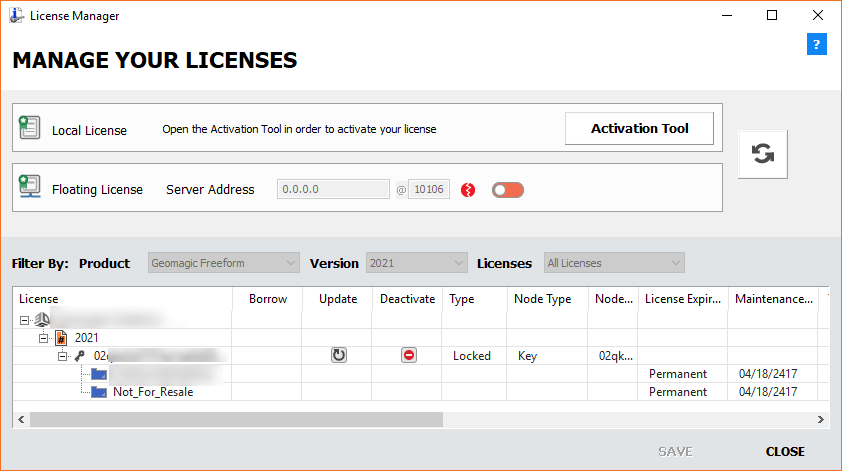
Please follow the steps below to launch the License Manager. These instructions only apply to software versions that are using the new CimLM licensing system. The license utility will show up on launch if the software does not currently have a valid license.
Skip to product:
3D Sprint:
1) Launch 3D Sprint.
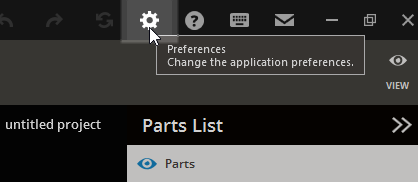
2) Click on the Preferences icon.
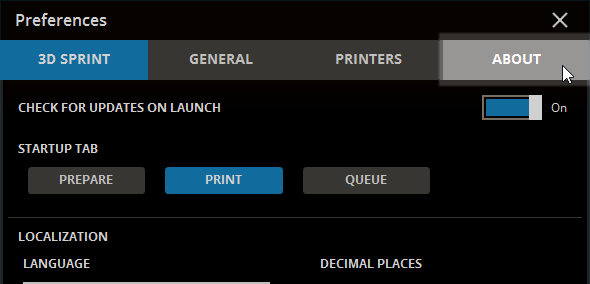
3) Select ABOUT
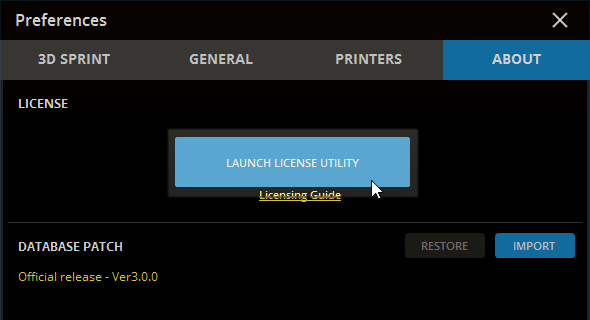
4) Click the LAUNCH LICENSE UTILITY button
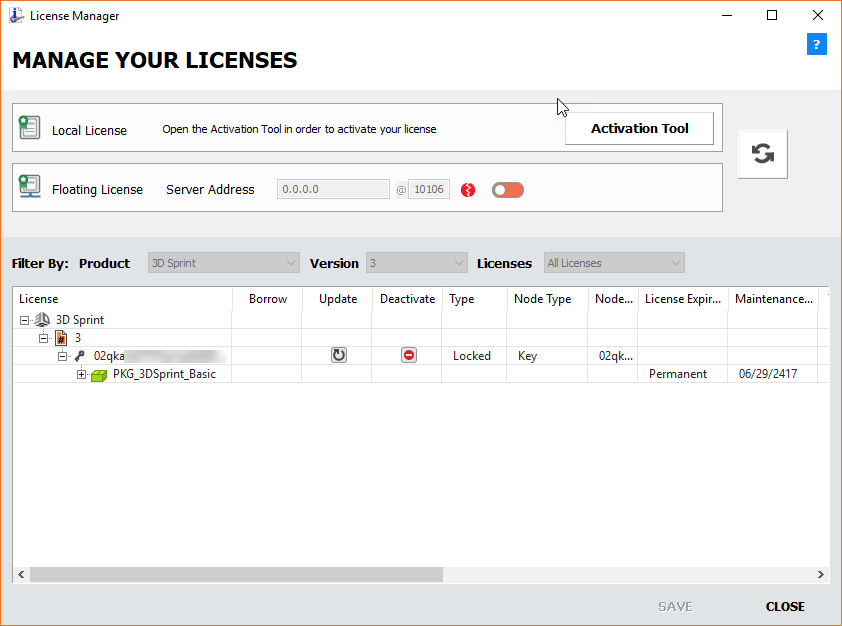
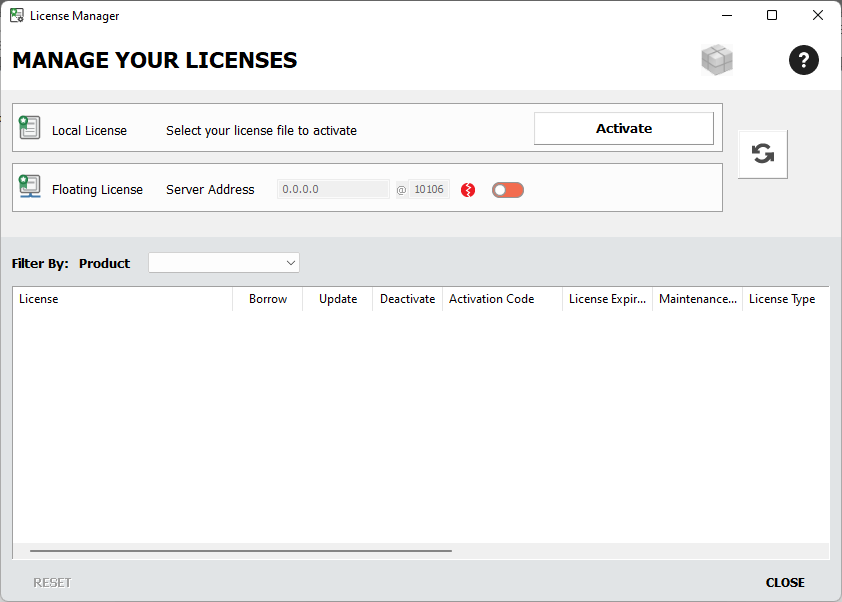
5) The license manager will now be shown.
3DXpert:
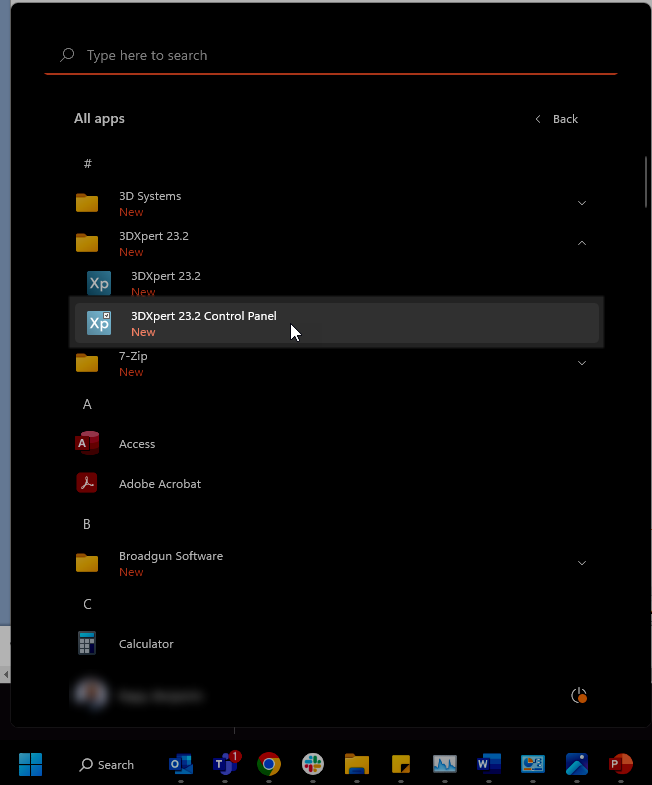
1) Open the Windows Start Menu and navigate to 3DXpert 2X.X Control Panel.
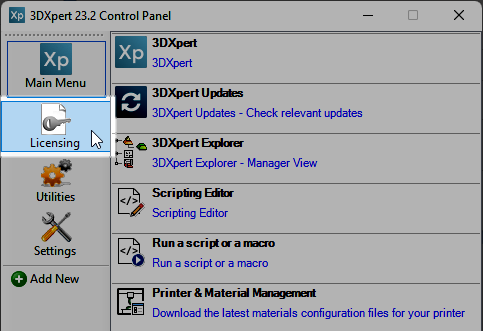
2) Click on the Licensing tab.
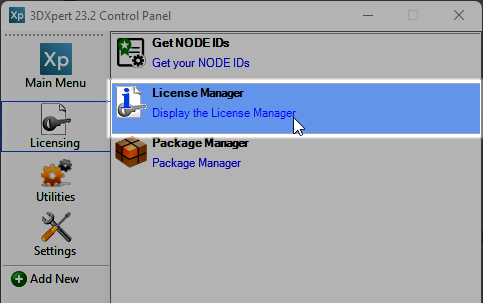
3) Select License Manager.
4) The license manager will now be shown.
Network License Server Monitor:
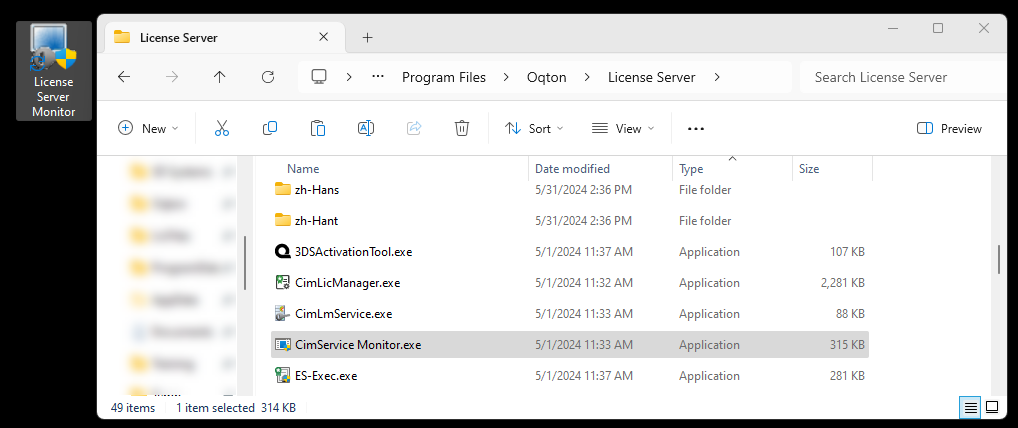
1) Launch the License Server Monitor from the server PC: C:\Program Files\Oqton\License Server\CimService Monitor.exe
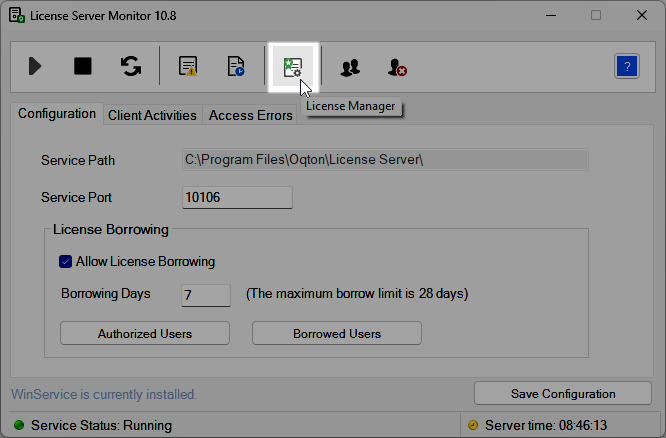
2) Select the icon for the License Manager.
3) The license manager will now be shown.