Note: These instructions only apply to software versions that are using the new CimLM licensing system.
Some network license users may encounter the error below after updating a client PC to a newer version of their software.
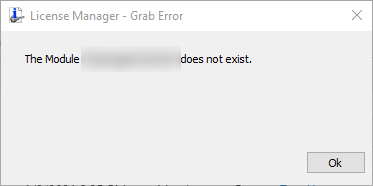
This normally happens because the version of the license file on the server has not been updated to run the version installed on the client PC:
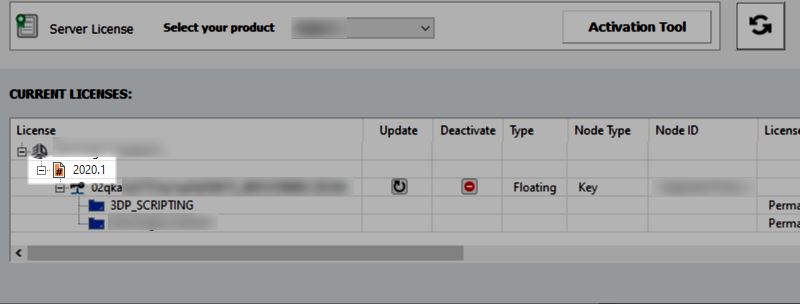
This error can be fixed by updating the license on the server: License Update Steps
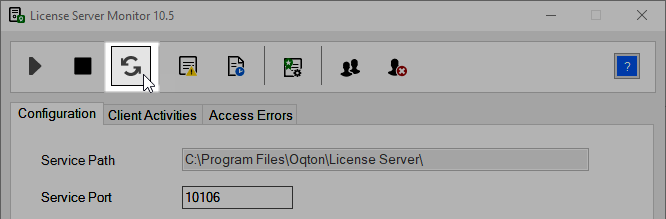
If the license manager shows the correct license version then the service on the server should be restarted: